The short answer
For most business apps, such as booking, ordering, field-service, inspection, driver and companion apps for a SaaS product, React Native is the better choice. You get one codebase for iPhone and Android, a faster launch and lower costs. Choose fully native development when the app is graphics-heavy, a game, or depends on very specialised hardware or the newest platform features on day one.
What is the difference?
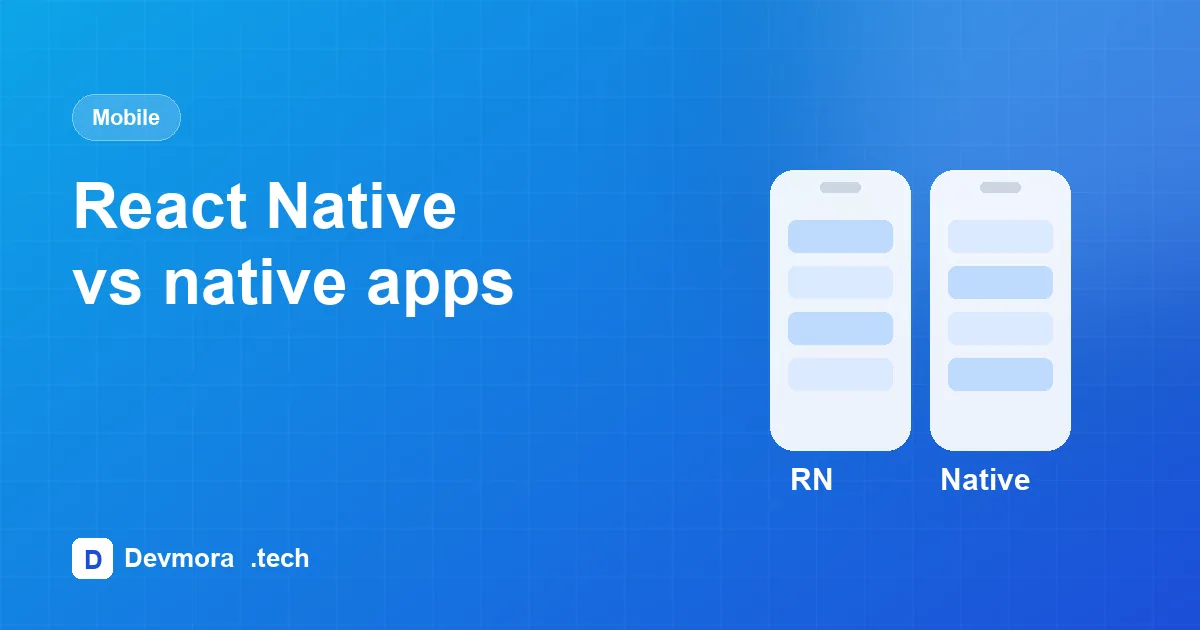
Native apps are built separately for each platform: Swift for iOS and Kotlin for Android. That means two codebases and usually two developers or teams.
React Native, created by Meta, lets developers write the app once in JavaScript or TypeScript and render real native components on both platforms. Where a feature needs platform code, it can be written natively and called from React Native.
Cost and time to market
Because most of the code is shared, a React Native app usually needs noticeably less development effort than building two native apps, and features land on both platforms at the same time. Teams that also have a React web app can share knowledge, patterns and sometimes code between web and mobile.
That matters most for early products, where the priority is getting in front of users quickly. Our cost guide explains how platforms affect your budget.
Performance
For forms, lists, maps, dashboards, photo capture and scanning, a well-built React Native app feels like any other app on the phone. Users cannot tell the difference.
Native has a real advantage for 3D graphics, games, heavy real-time video or audio processing and complex animations running continuously. If that describes your app, go native.
Device features
React Native has mature libraries for the features business apps rely on:
- Camera and photo upload
- Barcode and QR scanning
- Push notifications
- GPS and maps
- Offline storage and background sync
- Biometric login such as Face ID and fingerprint
Very new or unusual hardware features may need custom native modules, which adds some work but does not require rewriting the app.
Maintenance over time
One codebase means one set of bugs to fix, one set of features to build and one team to manage. Over several years, that is usually where React Native saves the most money. The trade-off is keeping React Native and its libraries up to date with each iOS and Android release, which a good team plans for as routine maintenance.
What about Flutter?
Flutter, from Google, is another strong cross-platform option with excellent performance. The main reason we prefer React Native for business apps is the shared language and ecosystem with React and Node.js on the web, which makes it easier to build the app, its dashboard and its API as one product with one team.
Common myths about React Native
"React Native apps are slow"
Early versions had performance limits, but modern React Native renders real native components and handles business apps comfortably. Most slow apps are slow because of how they were built, not the framework.
"You cannot use native features"
React Native apps can call any native API. Popular features have ready-made libraries, and anything unusual can be written as a native module.
"Apple and Google do not accept React Native apps"
React Native apps go through the same App Store and Google Play review as any other app, and many well-known apps use React Native for some or all of their screens.
"It is only for small apps"
Large, long-lived apps use React Native successfully. What matters more is clean architecture, testing and keeping dependencies up to date.
Questions to ask before you start
- Do users need the app offline, or with poor signal?
- Which device features are essential: camera, scanning, GPS, Bluetooth, biometrics?
- Do you also need a web app or admin dashboard, and can they share an API?
- Who will maintain the app in two years, and which skills will they have?
- How quickly do you need to launch on both iPhone and Android?
If the answers point to a business app with a web dashboard behind it, React Native is almost always the practical choice.
Frequently asked questions
Is React Native cheaper than native development?
In most cases, yes, because one codebase serves both iOS and Android. The saving is largest when you also maintain the app over several years.
Can a React Native app be converted to native later?
Yes. You can rewrite individual screens natively while keeping the rest, so choosing React Native first does not lock you in.
Does React Native work offline?
Yes. Data can be stored on the device and synced when a connection returns. We use this for driver and field apps where signal is unreliable.
Our recommendation
| Your app | Our usual choice |
|---|---|
| Driver, field-service or inspection app | React Native |
| Customer app for bookings, orders or accounts | React Native |
| Mobile companion for a SaaS or web platform | React Native, sharing the same API |
| Game, AR or graphics-heavy app | Native, or a game engine |
| App built around specialised hardware | Native, or React Native with native modules |
We have shipped React Native apps that work in tough conditions, including a driver app for daily walkaround checks with photo defect reporting and offline support, and Accukount Pharma's barcode-scanning stock app in English and French. Read more about digital walkaround checks, see our mobile app development service or ask us which approach fits your app.